
Easy event registration: A simple guide to Self-Serve check-in
Easy event registration: A simple guide to Self-Serve check-in
Easy event registration: A simple guide to Self-Serve check-in
Whether you’re scaling down from a fully managed registration service or upgrading from manual spreadsheets, JET’s Self-Serve kit is designed to be foolproof.
This guide walks you through the setup, from planning to post-event data, so you can avoid common pitfalls and run a smooth, professional registration without a full tech team.
1. Plan your attendee flow
Before anything else, get clear on how many attendees you’re expecting and when they’ll arrive. JET’s standard kit includes two printers, two iPads, stands, badge boxes and a router. That’s plenty for up to around 250 people.
If you expect a surge of arrivals, you add extra devices. For instance, if you’re planning an event with 1,000 attendees and 500 are expected to arrive in a single hour, you can opt for extra tablets and printers to ensure you’re covered. Planning this way helps avoid queues and ensures you’ve got the right set-up from the start.
2. Set up your registration form
Next, decide how you want to collect attendee data. You can either import an existing list or create a custom form through JET’s platform. The forms are smart – they’ll auto validate postcodes and email domains so you’re not stuck cleaning up bad data later.
We offer basic to more complex forms, which can include logic, payment or extra questions. Once your form is live, attendees get a confirmation email with a barcode or digital ticket.
3. Unbox and assemble
A few days before your event, your kit arrives with everything you need – printers, iPads, stands, badge boxes, router and clear instructions. Setup is straightforward: plug everything in, connect the router (though the system works offline too) and log in to Jet Onsite.
You can customise the welcome screen with your logo and a tailored message, so the check-in experience feels professional and on-brand (something that research suggests can actually increase revenue by 23%).
Need someone to help you set everything up on the day? For an additional fee, you can book an optional in-person set-up session. Someone will walk you through everything and show you how it all works, ideal if you’d like hands-on support or just extra peace of mind.
4. Go live on the day
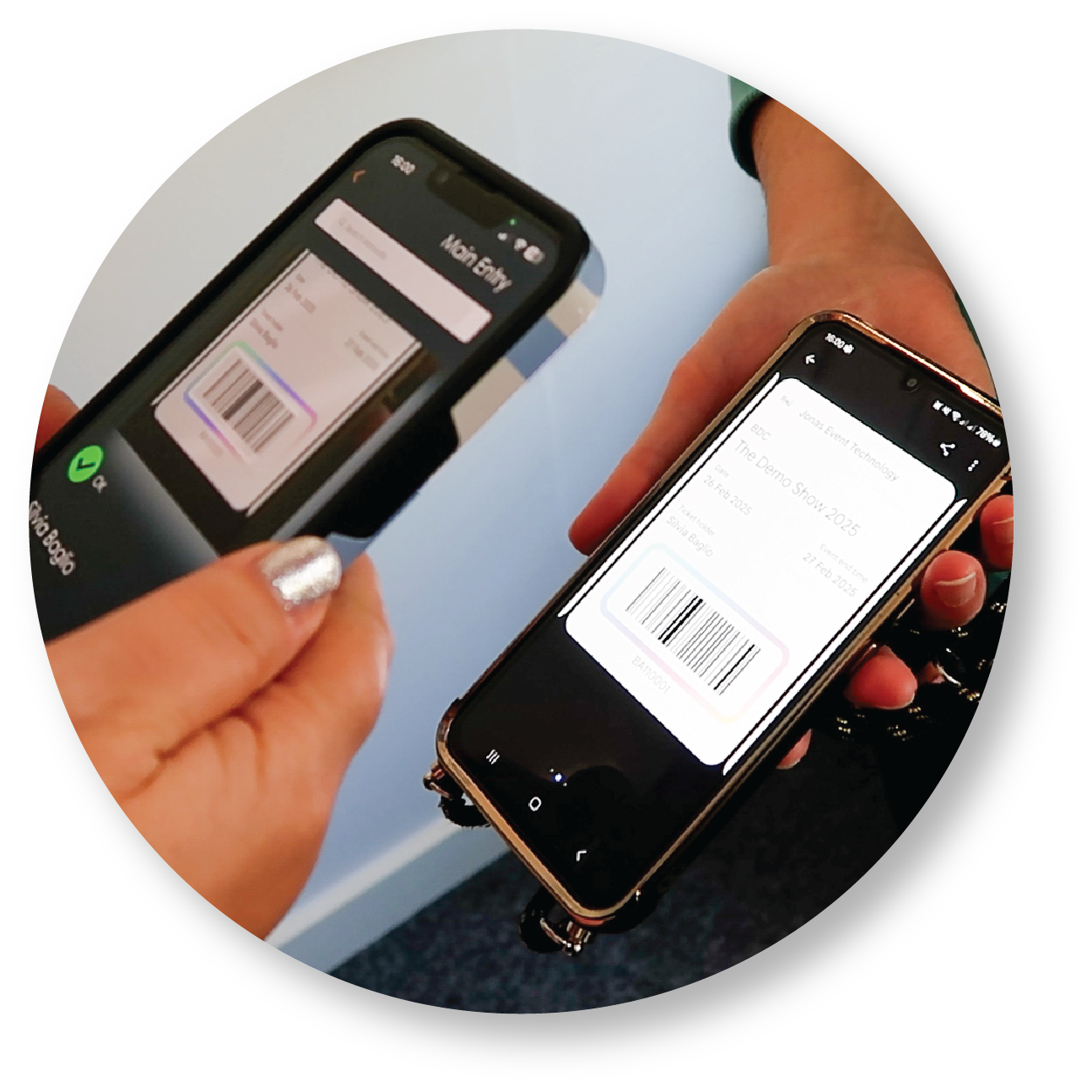
Time to see it all in action. Set up the terminals at your venue entrance. When attendees arrive, they scan their barcode and collect their printed badge in seconds.
If someone can’t find their email, simply use the search function to locate them by name or email. Walk-ins can be added on the spot by just adding a new record and printing their badge then and there. And if you’re scanning at the door, use the same tablets or dedicated phones to validate badges and capture real-time attendance.
5. Collect data and follow up
Once the event wraps, head to your reporting dashboard (included with the platform fee) to view and download your attendance data. You’ll be able to see who attended, what time they arrived and which sessions or zones were busiest.
That kind of insight doesn’t just help with follow-up emails; it also gives you valuable info to plan better for your next event and tailor marketing campaigns.
Final tips for a smooth day
- Test everything the day before to ensure printers are loaded with badges and the devices are charged.
- Train your team to greet guests and assist those unfamiliar with scanning. Most attendees adapt quickly, but a friendly helper speeds things along.
- Plan for power – have spare extension leads and power banks if sockets are limited.
Self-Serve registration is designed to be simple and scalable, and the results we’ve seen speak for themselves. For more tips on tackling queues, cutting costs or avoiding hidden fees, explore the other posts in our Self-Serve blog series.
And if you want help planning your setup, contact the JET team to talk through your numbers and get the right kit for your event.